MQA APPROVED COURSE — HRDC REFUND AVAILABLE
MQA APPROVED COURSE

Digital Publishing & Pre-Press

Master Adobe InDesign & Professional Print/Digital Design — From Layout to Production!

  • Payment Facilities Available
  • For Everyone — No formal qualifications required!
MQA Approved
40 Hours Training
HRDC Refund
Adobe InDesign
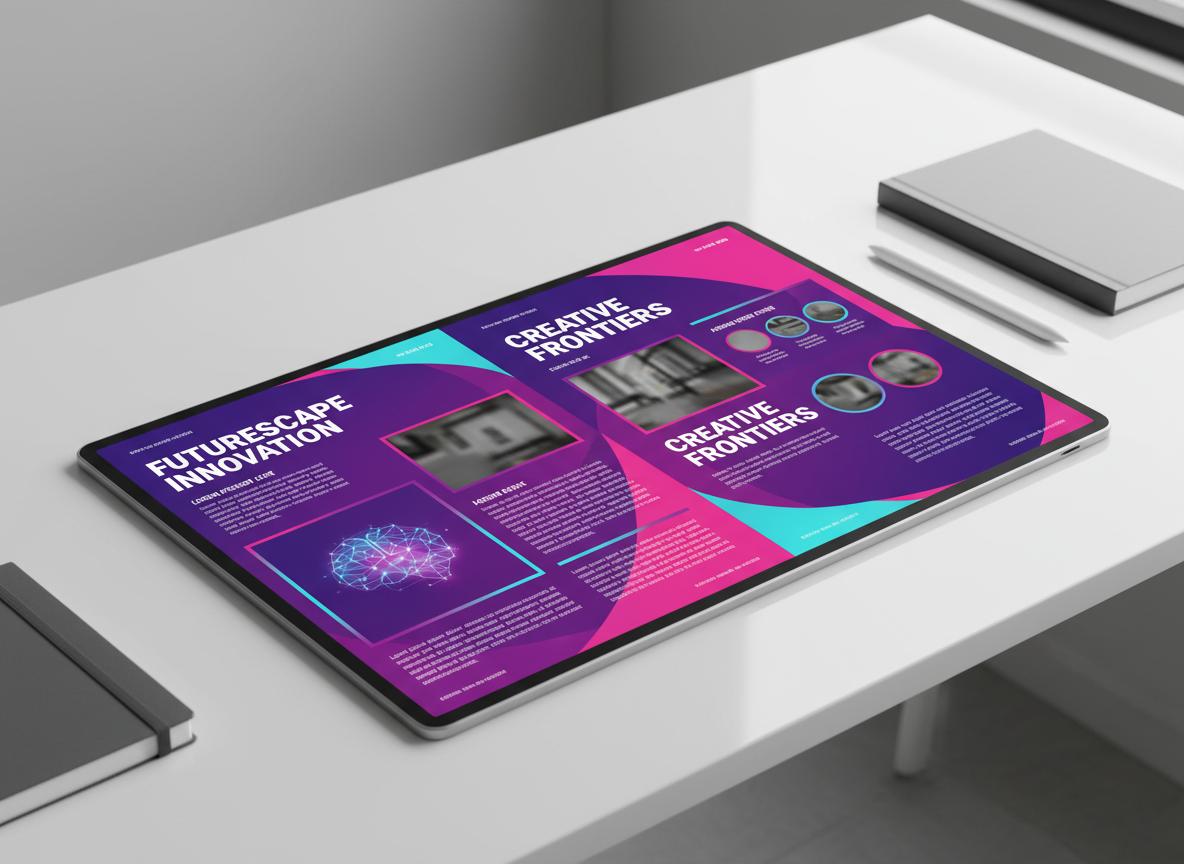
Digital Magazine Design - Adobe InDesign
Course Status MQA Approved
Duration 40 Hours

Everything You Need to Succeed

Our comprehensive MQA approved program is designed to transform you into a digital publishing expert!

Master Adobe InDesign

Learn Adobe InDesign to create professional publications for both print and digital platforms using industry-standard software.

Typography & Color Mastery

Master typography fundamentals, color management, and design principles for stunning visual communication.

Professional Layout Design

Create magazines, brochures, catalogs, newsletters, and packaging with proper pre-press preparation.

Pre-Press & Production

Understand imposition, preflight checks, and production-ready file preparation for professional printing.

📅 COURSE START DATE

Digital Publishing & Pre-Press – 04 June 2026

Inquire on WhatsApp

Digital Publishing & Pre-Press

Comprehensive 40-hour curriculum designed for professional publishing success

Module 01

Fundamentals of Digital Publishing

8 Hours

Topics Covered

  • Introduction to Adobe InDesign
  • Print vs Digital Publishing
  • InDesign Document Setup & Layout Basics
  • Typography Fundamentals in InDesign
  • Color Management (RGB, CMYK, Spot)

Learning Outcomes

After completing Module 1, participants will be able to:

  • Navigate Adobe InDesign interface and workspace
  • Identify the differences between print and digital publishing
  • Set up InDesign documents with proper margin, bleed, slugs, and grids
  • Apply typography fundamentals using InDesign's type tools
  • Manage color modes (RGB, CMYK, Spot, Pantone) in InDesign
Module 02

Digital Publishing & Pre-Press

32 Hours

Topics Covered

  • InDesign Basic Layout Design Techniques
  • Working with Text & Image Frames
  • Linking and Embedding Images in InDesign
  • Export as Package (Document & Links)
  • Imposition in InDesign
  • Booklet Design in InDesign
  • Newsletter Design
  • Two-Page Magazine Design
  • Four-Page Magazine Design
  • Half-Fold & Tri-Fold Brochure
  • Catalogue Design
  • Interactive Design Basics in InDesign
  • Interactive Brochure
  • Export to Interactive PDF from InDesign
  • Calendar Design
  • Menu Layout Design
  • Packaging Design
  • Preflight & Package for Print

Learning Outcomes

After completing Module 2, participants will be able to:

  • Use InDesign's essential tools for creating professional layouts
  • Integrate text and images using InDesign frames
  • Link and embed images properly in InDesign documents
  • Package InDesign projects with all required files
  • Apply imposition techniques for prepress printing
  • Design booklets using InDesign's page layout features
  • Create newsletters using InDesign grid systems
  • Design two-page and four-page magazine layouts with proper alignment
  • Create brochure layouts with appropriate folds and panels
  • Design multi-page catalogues in InDesign
  • Add interactive elements (hyperlinks, buttons, navigation) in InDesign
  • Create interactive digital brochures
  • Export interactive PDFs from InDesign
  • Design creative calendar layouts in InDesign
  • Create attractive menu layouts using typography hierarchy
  • Design product packaging layouts for print
  • Use InDesign Preflight to detect and fix errors before printing
8 Hours

Fundamentals of Digital Publishing

5 topics covered

32 Hours

Digital Publishing & Pre-Press

18 topics covered

COURSE FEE

Investment in Your Future

Rs 25,000/-
HRDC REFUND AVAILABLE
Payment Facilities Available - Easy Installments

Course Objectives

To enable participants to master Adobe InDesign and develop the creative and technical skills needed to produce professional digital and print publications, understand pre-press processes, and apply publishing design strategies across multiple platforms.

Secure Your Spot for Rs 500/-

Follow these simple steps to book your seat

1

Pay Rs 500/- Only

Pay the booking fee to secure your seat in the program.

2

Payment via MCB Juice

Account Name: CERTIA
Account Number:

3

Send Proof of Payment

Send your payment screenshot with your full name to WhatsApp: 58132219

ENROLL NOW

Register for Digital Publishing & Pre-Press

Limited seats available — MQA Approved Course with HRDC Refund

  • 40 Hours of Adobe InDesign Training
  • MQA Approved Certificate
  • HRDC Refund Available
  • Payment Facilities with Easy Installments

Personal Information

+230
+230

HRDC REFUND AVAILABLE

COMPANY DETAILS FOR HRDC

Course Fee Rs 25,000/-
HRDC Refund Available Payment Facilities Available — Easy Installments

By registering, you agree to enroll in the Adobe InDesign - Digital Publishing & Pre-Press program. Total course fee: Rs 25,000/- — Payment facilities available with easy installments.

Our Location

Venue Address

1st Floor Nivaran Building

Royal Road, Belle Rose

(Near St Jean Church)

Hotline: 58132219 / 52522447
Get Directions